


STEP 1 · UPLOAD
Upload
Start with a drawing, logo, or silhouette.
THE ORIGINAL IMAGE TO COOKIE CUTTER GENERATOR
Upload a drawing, logo or silhouette. Choose your tool and size, preview it in 3D, then export for printing.

100,000+registered Cookiecad users
Millionsof printable tools generated
HOW IT WORKS
From artwork to finished shapes in four simple steps.
STEP 1 · UPLOAD
Start with a drawing, logo, or silhouette.
STEP 2 · DESIGN
Adjust the size and preview your cutter in 3D.
STEP 3 · PRINT
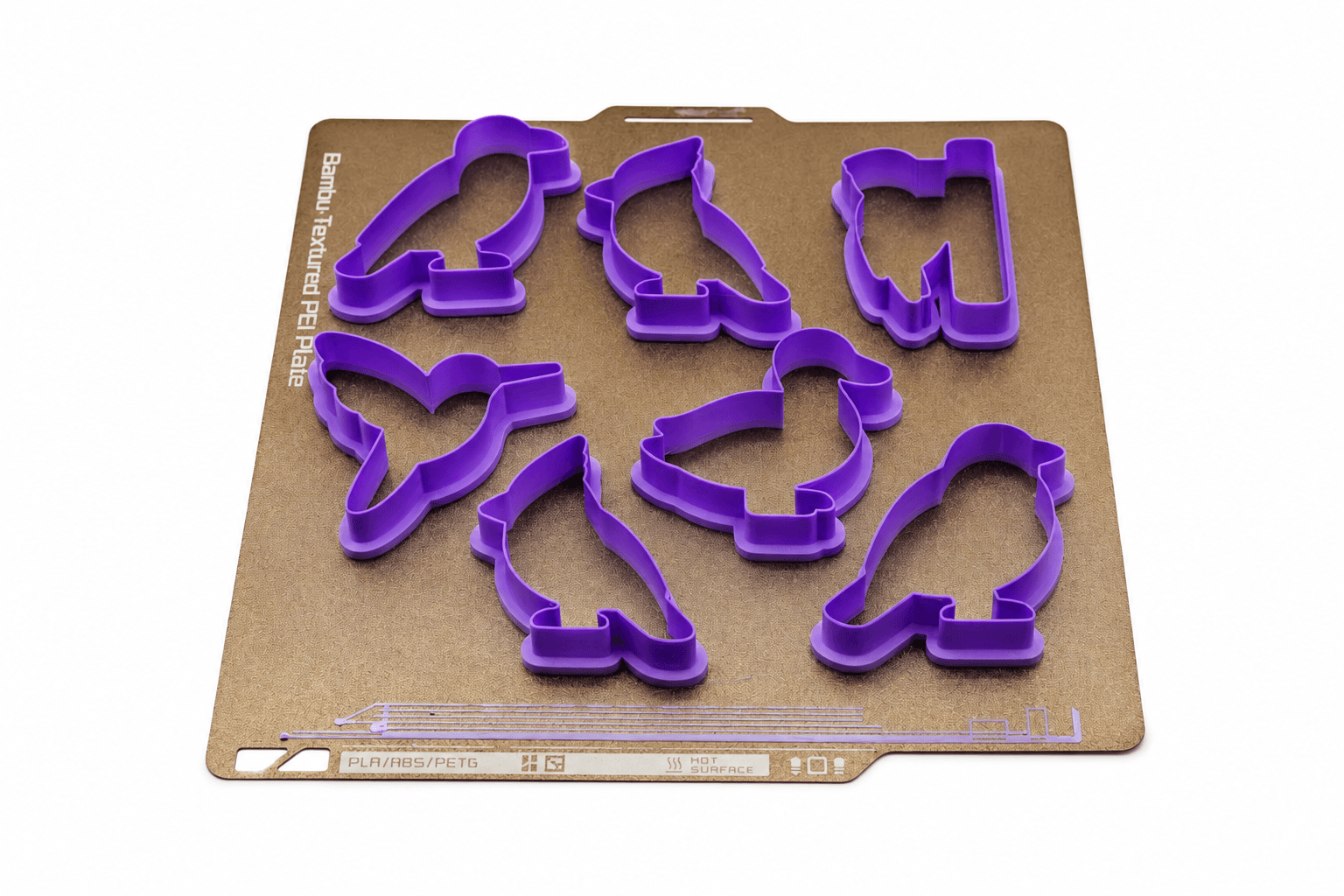
Download your STL and 3D print your cutter.
STEP 4 · USE
Press into dough to cut your shapes.
Make an outline to decorate yourself, or add details that press into the dough.
Drag the divider or use the arrow keys to compare the images.
Choose an outline cutter, a one-piece imprint cutter, a stamp or a matching cutter-and-stamp set from the same image.
Drag the divider or use the arrow keys to compare the images.
Choose the cutter's dimensions in millimeters or inches. Keep its proportions or adjust width and height separately.
Drag the divider or use the arrow keys to compare the images.
Choose how interior details rise or fall with flat, domed, rounded, or chamfered depth curves.
Drag the divider or use the arrow keys to compare the images.
Set the cutting-edge width separately from the blade thickness and finger grip.
Design cutters, stamps, molds and decorating tools from your own artwork.
Explore all 8 tool types. Swipe or use the arrows.
Open an example in Designer and adjust it for your own project.
Cut the mushroom-house outline and imprint the door, windows, and cap details in one press.
Open in DesignerCut six different bird shapes and press in the details with matching stamps.
Open in DesignerCut the Frog King outline and imprint the crown, eyes, and smile in one press.
Open in DesignerStart with the free tools. Choose Premium for more tool types and design settings.
Essential tools for making and exporting a standard cookie cutter.
Get specialty tools, advanced design settings and a private library for your designs.
Everything in Free, plus:
Short answers to the most common questions about turning an image into a printable tool.
Ask the communityYes. Upload a clear logo, drawing, or silhouette and Cookiecad Designer creates a custom 3D cookie cutter model that you can preview and export as STL, OBJ, or 3MF.
MAKE YOUR NEXT CUTTER
Start with a drawing, logo, silhouette, or clipart. Preview your cutter, then export it for 3D printing.
START HERE
Choose what you want to make, then find guides and examples to help you get started.